


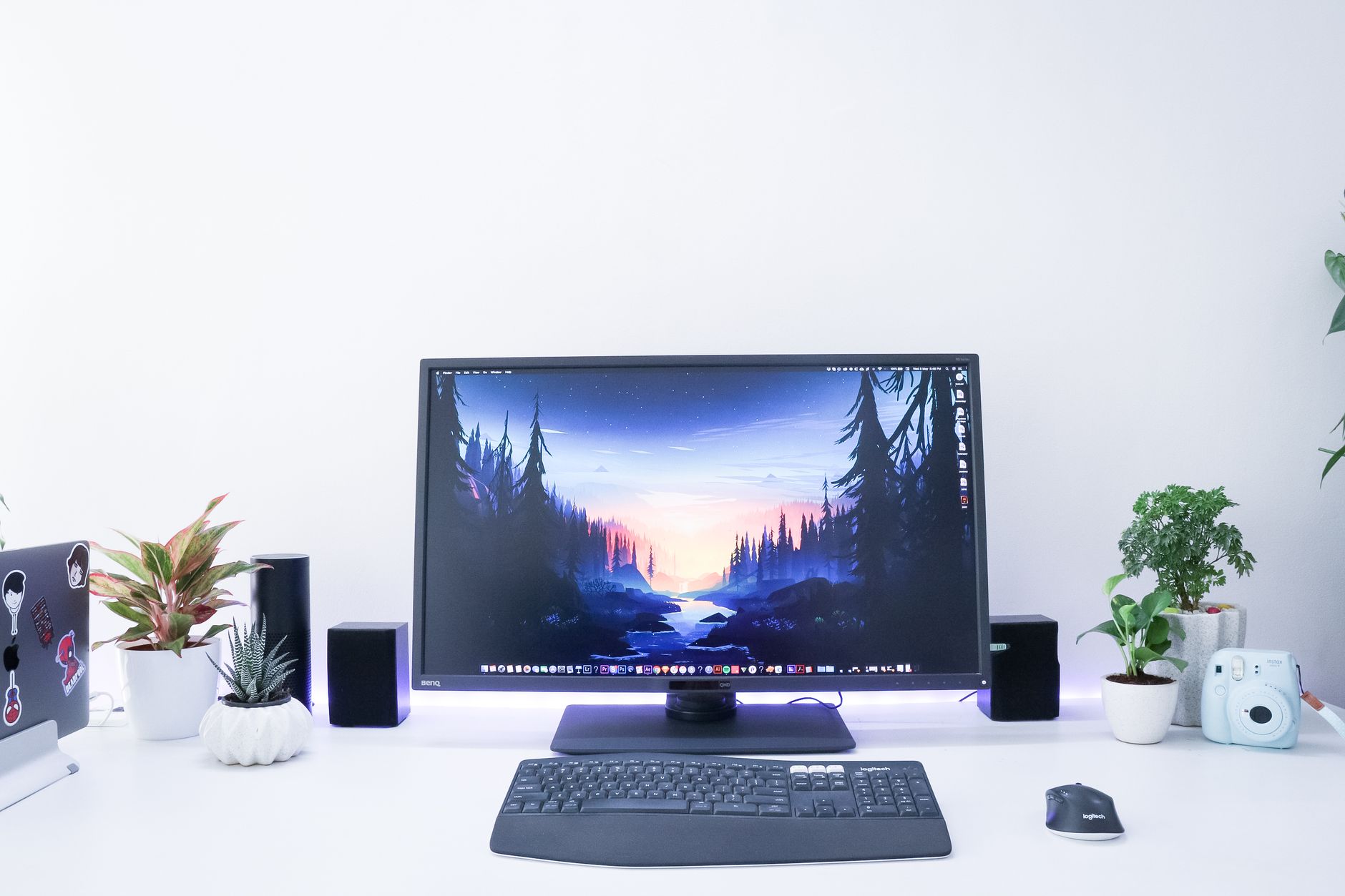
A desktop workstation is designed for users who require significantly more computing power than a standard personal computer can provide. While everyday desktops are suitable for browsing the internet managing documents and streaming media professional workloads often demand higher levels of performance reliability and processing capability.
Engineers architects designers video editors scientists and software developers frequently rely on workstation-class systems to complete complex projects efficiently. These machines are built to handle intensive applications that require substantial computing resources including 3D modeling data analysis rendering simulation and professional content creation.
As technology continues to evolve the need for powerful computing solutions grows across many industries. Businesses and professionals increasingly depend on systems that can process large amounts of information while maintaining stability and performance. This is where desktop workstations play a critical role.
Understanding what makes a workstation different from a traditional desktop can help professionals choose the right solution for their specific needs.
What Is a Desktop Workstation?
A desktop workstation is a high-performance computer specifically designed for professional and technical applications. Unlike standard consumer desktops workstations are engineered to support demanding workloads that require exceptional processing power memory capacity graphics performance and reliability.
These systems are commonly used in industries such as engineering architecture healthcare scientific research financial analysis and media production. Professionals working in these fields often use specialized software that places significant demands on computer hardware.
A workstation may look similar to a traditional desktop from the outside but the internal components are typically much more powerful. Workstation-class processors advanced graphics solutions and larger memory configurations allow these systems to manage resource-intensive tasks more effectively.
Reliability is another defining characteristic. Many professional users depend on their systems for mission-critical work where downtime can result in costly delays. As a result workstation manufacturers often prioritize stability testing and component certification.
The goal is not simply to provide more power but to deliver consistent performance under demanding conditions.
Key Features That Set Workstations Apart
Several features distinguish a desktop workstation from a standard consumer PC.
One major difference is processing power. Workstations are often equipped with high-performance processors designed to handle complex calculations and multitasking workloads. These processors allow users to run demanding software while maintaining responsiveness.
Memory capacity is another important factor. Professional applications frequently require large amounts of RAM to process extensive datasets manage virtual environments or render detailed projects. Workstations typically support significantly more memory than standard desktops.
Graphics performance also plays a critical role. Many workstation systems include professional-grade graphics hardware optimized for engineering design animation scientific visualization and other specialized applications.
Storage solutions are equally important. Fast solid-state drives improve system responsiveness while larger storage capacities accommodate extensive project files media assets and databases.
Expandability is another advantage. Workstations are often designed with additional expansion slots allowing users to add storage graphics cards networking equipment and other specialized components as requirements evolve.
These features work together to create a platform capable of handling complex professional workloads efficiently and reliably.
Industries That Depend on Desktop Workstations
Desktop workstations are used across a wide range of industries where computing performance directly impacts productivity.
In architecture and engineering professionals rely on workstation systems to create detailed models simulations and technical drawings. These tasks often involve complex calculations and large project files that require significant processing power.
The media and entertainment industry also depends heavily on workstations. Video editors animators visual effects artists and graphic designers use specialized software that benefits from powerful processors advanced graphics and substantial memory resources.
Healthcare organizations use workstation systems for medical imaging analysis research and diagnostic applications. High-resolution images and data-intensive workflows demand reliable computing platforms.
Scientific research institutions frequently employ workstations for data modeling simulations and analytical tasks. Researchers often process massive datasets that exceed the capabilities of ordinary computers.
Software developers may also use workstations when working with large codebases virtual machines or complex testing environments. The additional computing resources can improve productivity and reduce development time.
Financial professionals sometimes rely on workstation systems for data analysis algorithmic modeling and market simulations. These applications require fast processing and dependable performance.
The versatility of workstation technology makes it valuable across many professional fields.
Benefits of Investing in a Workstation
Choosing a desktop workstation offers several advantages for professionals and organizations.
One of the most significant benefits is improved productivity. Faster processing speeds allow users to complete tasks more efficiently reducing waiting times and increasing output.
Enhanced multitasking capabilities make it easier to work with multiple applications simultaneously. Professionals can run demanding software alongside communication tools databases and productivity applications without major performance issues.
Reliability is another important benefit. Workstations are often built using components designed for long-term stability which helps minimize unexpected interruptions.
Scalability provides additional value. As project requirements grow users can often upgrade memory storage or graphics components rather than replacing the entire system.
Professional software certification is another advantage. Many workstation-class systems are tested and certified for compatibility with industry-specific applications. This helps ensure stable performance and reduces the risk of software-related issues.
Long-term value also contributes to the appeal of workstation systems. While they may require a higher initial investment their durability performance and upgrade potential can provide benefits over many years.
For professionals whose income depends on computing performance the productivity gains often justify the investment.
Choosing the Right Workstation for Your Needs
Selecting the right desktop workstation requires careful consideration of workload requirements.
The first step is identifying the primary applications that will be used. Different types of software place different demands on system resources. Some applications rely heavily on processor performance while others depend more on graphics capabilities or memory capacity.
Users working with 3D rendering animation or visual effects should pay close attention to graphics performance. Those focused on simulations data analysis or scientific computing may prioritize processor power and memory.
Storage needs should also be considered. Large media projects engineering files and research datasets can consume substantial amounts of space. Fast storage solutions improve overall workflow efficiency.
Future growth is another factor. Choosing a workstation with upgrade potential allows users to adapt as requirements evolve.
Budget considerations are important as well. The most expensive configuration is not always necessary. Matching hardware capabilities to actual workload demands often provides the best balance between performance and cost.
Consulting software requirements and evaluating current workflows can help determine the most appropriate configuration.
A carefully selected workstation can provide years of reliable service while supporting professional productivity.
The Future of Desktop Workstations
Desktop workstations continue to evolve as technology advances. Modern systems are becoming more powerful efficient and versatile than ever before.
Artificial intelligence machine learning and advanced data analytics are creating new demands for computing resources. Workstation manufacturers are responding by developing systems capable of supporting these emerging workloads.
Cloud computing has also influenced workstation design. Many professionals now combine local workstation performance with cloud-based resources to create flexible hybrid workflows.
Graphics technology continues to improve as well. Advanced visualization capabilities support increasingly realistic simulations rendering and virtual experiences.
Energy efficiency is becoming a greater priority. New hardware designs aim to deliver higher performance while reducing power consumption and heat generation.
Remote collaboration tools have expanded the role of workstations in distributed work environments. Professionals can now access powerful computing resources while collaborating with teams across multiple locations.
As industries continue adopting advanced technologies desktop workstations will remain essential tools for professionals who require reliable high-performance computing.
Final Thought
A desktop workstation is far more than a powerful computer. It is a professional tool designed to support demanding workloads that require exceptional performance reliability and scalability.
From engineering and architecture to scientific research and content creation workstation systems help professionals complete complex tasks efficiently and accurately. Their advanced processors graphics capabilities memory capacity and expandability make them ideal for applications that exceed the capabilities of standard consumer desktops.
While the investment may be greater than that of a traditional PC the benefits often include improved productivity enhanced reliability and long-term value. For professionals whose work depends on powerful computing resources a workstation can become an essential part of daily operations.
As technology continues to advance desktop workstations will remain at the center of innovation helping individuals and organizations tackle increasingly sophisticated challenges.
FAQs
What is a desktop workstation?
A desktop workstation is a high-performance computer designed for professional applications such as engineering design content creation scientific research and data analysis.
How is a workstation different from a regular desktop?
Workstations typically offer more powerful processors larger memory capacity professional graphics solutions and greater reliability than standard desktops.
Who should use a desktop workstation?
Professionals working with demanding software including engineers architects designers developers researchers and video editors often benefit from workstation systems.
Are workstations good for multitasking?
Yes. Workstations are designed to handle multiple demanding applications simultaneously while maintaining strong performance.
Can a desktop workstation be upgraded?
Most workstation systems support upgrades including additional memory storage graphics hardware and other expansion components.
Are desktop workstations worth the investment?
For users with resource-intensive workloads the increased performance reliability and productivity often make a workstation a valuable long-term investment.
