


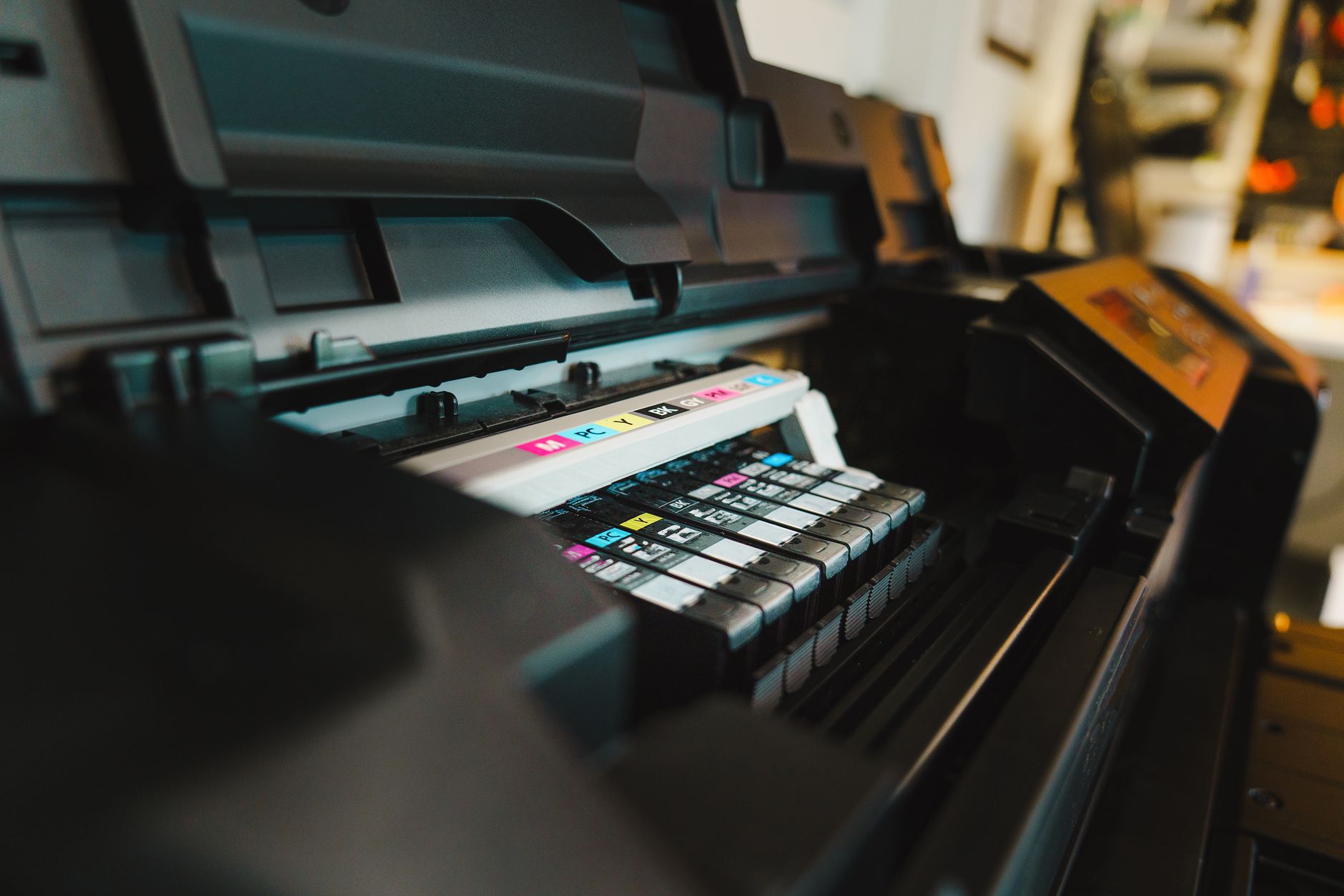
Finding a reliable printer can be challenging when there are so many options on the market. This Canon Pixma TR8620A review takes a close look at one of Canon's most popular all-in-one printers. Designed for home users, students, remote workers, and small business owners, the TR8620A combines printing, scanning, copying, and faxing into a compact device.
The printer has earned attention because it balances performance, quality, and affordability. Whether you need to print family photos, school assignments, business documents, or marketing materials, the Canon Pixma TR8620A aims to handle a wide range of tasks without taking up much space.
This review covers its design, features, print quality, performance, and overall value so you can determine whether it is the right printer for your needs.
Design and Build Quality
The Canon Pixma TR8620A features a sleek and compact design that fits comfortably in most home offices. Unlike many bulky all-in-one printers, this model has a modern appearance with a relatively small footprint.
The front panel includes a responsive 4.3-inch color touchscreen that makes navigation simple. Menus are easy to understand and allow users to access printing, scanning, copying, and wireless settings without confusion.
The printer also includes an automatic document feeder that can hold multiple pages for scanning or copying. This feature is especially useful for users who regularly handle multi-page documents.
Paper loading is flexible thanks to the dual paper feeding system. One tray is located in the front while another paper source is available in the rear. This setup allows users to keep different paper types loaded simultaneously.
Overall, the construction feels sturdy and well designed for daily use.
Features That Make the TR8620A Stand Out
One of the biggest strengths of this printer is its wide range of features. Canon designed the TR8620A to support both productivity and convenience.
Wireless connectivity is one of its major advantages. Users can print from laptops, smartphones, tablets, and cloud services without needing a direct cable connection. Compatibility with Apple AirPrint and Mopria simplifies printing from mobile devices.
Voice control support adds another level of convenience. The printer works with popular smart assistants, allowing users to perform basic printing tasks through voice commands.
The automatic duplex printing feature helps reduce paper consumption by printing on both sides of the page automatically. This is particularly useful for reports, school projects, and business documents.
The integrated scanner offers good image clarity for document digitization. Combined with the automatic document feeder, scanning large batches becomes much easier.
Fax functionality remains available for users who still require it in business environments. While many people rarely use fax today, having the feature available increases the printer's versatility.
Another useful addition is support for borderless photo printing. Users who enjoy printing family pictures or creative projects can produce attractive photo prints without needing a dedicated photo printer.
Print Quality Performance
Print quality is often the most important factor when choosing a printer, and the Canon Pixma TR8620A performs well in this area.
For text documents, the printer delivers sharp and clear characters. Small fonts remain readable, making it suitable for reports, contracts, and academic assignments. Black text appears crisp and professional even on standard paper.
Color document printing is equally impressive. Charts, graphics, and presentations show strong color accuracy and good detail. This makes the printer useful for both personal and professional applications.
Photo printing is one of the highlights of the TR8620A. Canon's five-ink system helps produce vibrant colors, smooth gradients, and detailed images. Family photographs and creative projects look attractive when printed on quality photo paper.
The printer also handles different media types effectively. Whether using plain paper, glossy photo paper, envelopes, or specialty media, print output generally remains consistent.
Users who require professional-grade photography may still prefer dedicated photo printers. However, for most households and small offices, the photo quality offered by the TR8620A is more than sufficient.
Speed and Everyday Usability
A printer may produce excellent output, but speed matters when dealing with daily workloads.
The Canon Pixma TR8620A is not the fastest printer in its category, but it delivers respectable performance for its intended audience. Text documents print quickly enough for home and small office tasks.
Color printing naturally takes a little longer, especially when higher quality settings are selected. Photo printing also requires additional time because the printer prioritizes image quality over speed.
The automatic document feeder helps improve efficiency when scanning or copying multiple pages. Instead of manually placing each sheet, users can load a stack of documents and let the printer process them automatically.
The touchscreen interface contributes significantly to usability. Navigation is intuitive, and most users can complete setup and maintenance tasks without needing extensive technical knowledge.
Wireless printing is generally reliable and allows multiple family members or office workers to access the printer from different devices.
Noise levels remain reasonable during operation. While the printer is not completely silent, it operates quietly enough for typical home office environments.
Setup Process and Connectivity Options
Setting up the Canon Pixma TR8620A is relatively straightforward. Canon provides clear instructions that guide users through the installation process.
Most users can connect the printer to their wireless network within a few minutes. The touchscreen interface simplifies Wi-Fi configuration and helps reduce setup frustration.
The printer supports several connectivity methods including Wi-Fi, USB, and Ethernet. This flexibility allows users to choose the connection type that best suits their environment.
Mobile printing is another major advantage. Canon's mobile app enables users to print, scan, and manage printer functions directly from smartphones and tablets.
Cloud printing support further enhances convenience. Documents stored in cloud services can be accessed and printed without first downloading them to a computer.
For households with multiple devices, these connectivity options make the printer much easier to integrate into daily workflows.
Ink Costs and Long-Term Value
Ink cost is a critical consideration for any printer purchase. While the Canon Pixma TR8620A offers strong print quality, users should understand the ongoing expenses associated with ink replacement.
The printer uses a five-cartridge ink system. One advantage of this design is that individual colors can be replaced separately. Users only need to replace the cartridge that runs out instead of replacing an entire combined cartridge.
Print quality benefits from this system as well because dedicated color cartridges help maintain accurate color reproduction.
However, frequent high-volume printing can increase operating costs. Users who print large quantities every week may eventually spend a noticeable amount on replacement cartridges.
For moderate home use, occasional photo printing, school assignments, and small business documents, the overall operating cost remains reasonable.
The printer delivers good long-term value because it combines multiple functions into one device. Instead of purchasing separate printers, scanners, and fax machines, users gain access to all these capabilities in a single unit.
Who Should Buy the Canon Pixma TR8620A?
The Canon Pixma TR8620A is an excellent choice for a variety of users.
Students benefit from its ability to print assignments, scan documents, and handle occasional photo projects.
Remote workers can use it for contracts, presentations, reports, and document management tasks.
Families appreciate its versatility for homework, photos, creative projects, and everyday paperwork.
Small business owners gain access to scanning, copying, faxing, and high-quality document printing without investing in expensive office equipment.
On the other hand, users who print hundreds of pages every week may be better served by a business-focused laser printer or a high-capacity ink tank model. Those alternatives often provide lower operating costs for heavy workloads.
For most households and small offices, however, the TR8620A strikes a strong balance between functionality and affordability.
Final Thought
This Canon Pixma TR8620A review shows why the printer remains a popular choice among home users and small office professionals. It combines strong print quality, useful productivity features, reliable wireless connectivity, and a compact design in a single package.
While it may not be the fastest printer available and heavy users should consider ongoing ink costs, its overall performance is impressive for the price. The ability to print high-quality documents and photos while also offering scanning, copying, and faxing capabilities gives it broad appeal.
For anyone seeking a dependable all-in-one printer that balances convenience, functionality, and quality, the Canon Pixma TR8620A stands out as a worthwhile investment.
Frequently Asked Questions
Is the Canon Pixma TR8620A good for photo printing?
Yes. The printer produces vibrant and detailed photo prints thanks to its five-ink system. It performs particularly well for casual and family photography needs.
Does the Canon Pixma TR8620A support wireless printing?
Yes. It supports Wi-Fi connectivity along with mobile printing through compatible apps and services.
Can the TR8620A print on both sides of the paper automatically?
Yes. Automatic duplex printing is included, helping users save paper and improve efficiency.
Is the printer suitable for small businesses?
Yes. Its scanning, copying, faxing, and document printing capabilities make it a practical solution for many small business environments.
Does the printer include an automatic document feeder?
Yes. The automatic document feeder allows users to scan or copy multiple pages without manually feeding each sheet.
Are replacement ink cartridges sold separately?
Yes. Individual cartridges can be replaced as needed, which can reduce waste and improve cost efficiency.
