


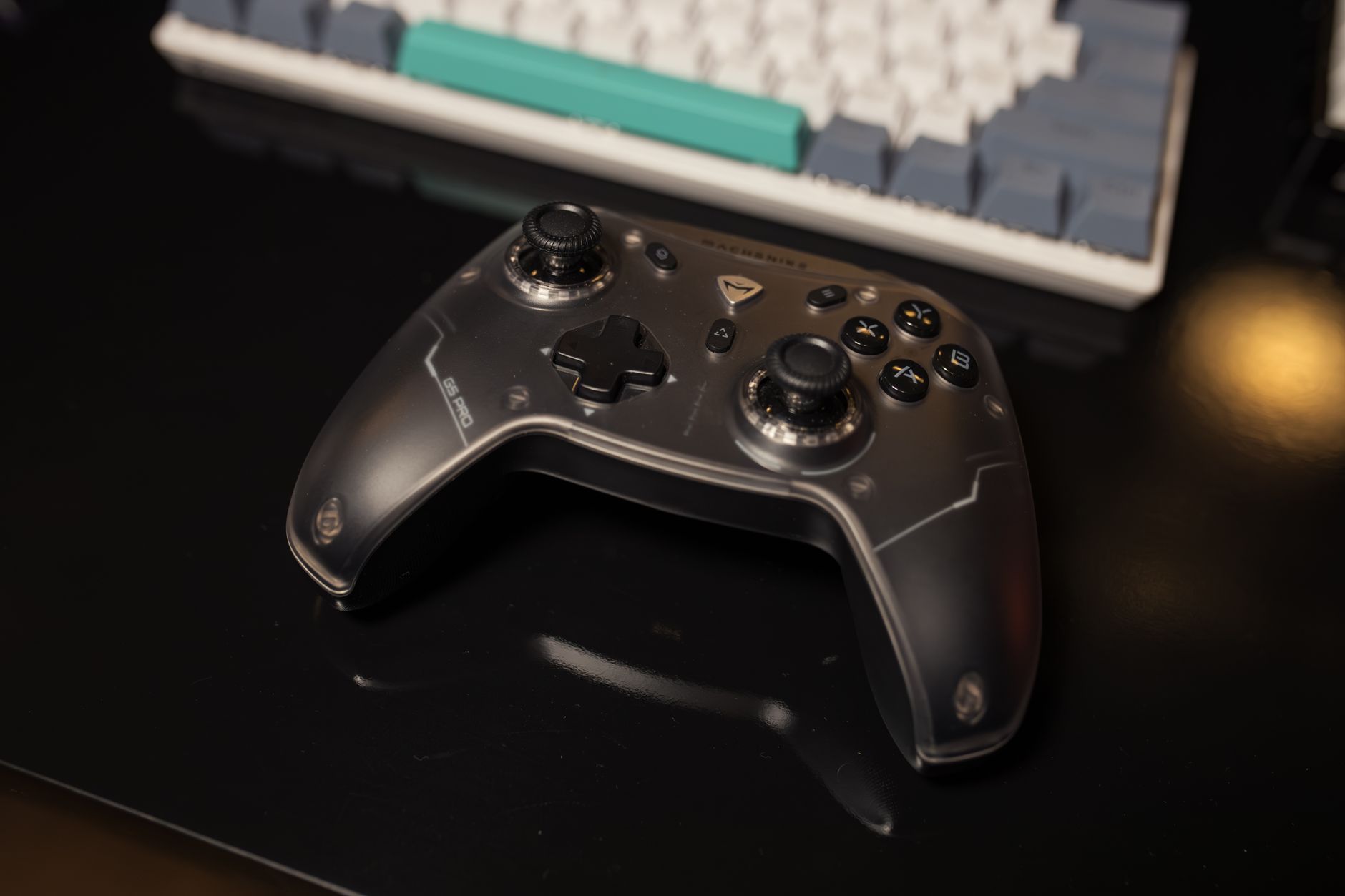
The Nintendo Switch Pro Controller PC setup has become increasingly popular among gamers who want a comfortable and reliable controller for their computer gaming sessions. Originally designed for the Nintendo Switch console, the Pro Controller has earned a strong reputation thanks to its ergonomic design, responsive controls, and impressive battery life.
Many PC gamers already own a Nintendo Switch and wonder whether they can use the same controller across multiple platforms. Fortunately, modern PC gaming supports a wide variety of controllers, making it possible for players to enjoy their favorite computer games using hardware they already own.
The Nintendo Switch Pro Controller offers several advantages that appeal to PC users. Its comfortable grip, precise analog sticks, and familiar button layout make it suitable for a wide range of gaming genres. Whether playing action games, platformers, racing titles, or adventure games, many players find the controller to be a reliable alternative to traditional PC peripherals.
Understanding how the controller works with a computer, what features are supported, and what limitations may exist can help gamers get the most out of their experience.
Why Gamers Use the Nintendo Switch Pro Controller on PC
One of the biggest reasons gamers choose the Nintendo Switch Pro Controller for PC gaming is comfort. The controller was designed for extended gaming sessions and features an ergonomic shape that fits naturally in the hands.
Unlike smaller handheld controllers, the Pro Controller provides a more substantial grip. This can reduce fatigue during long gaming sessions and improve overall comfort.
The analog sticks are another highlight. Many players appreciate their responsiveness and accuracy, especially in games that require precise movement and camera control. Action-adventure games, open-world titles, and racing games often benefit from high-quality analog inputs.
Battery life is also impressive. The controller can operate for extended periods on a single charge, reducing the need for frequent recharging. For gamers who spend many hours playing each week, this convenience is a significant advantage.
Another appealing factor is versatility. Using one controller for both Nintendo Switch and PC gaming allows players to maximize the value of their hardware investment.
The combination of comfort, durability, and flexibility has made the Pro Controller a popular option among computer gamers.
Connecting the Nintendo Switch Pro Controller to a PC
Modern PCs offer multiple methods for connecting the Nintendo Switch Pro Controller.
A wired connection is often the simplest approach. Using a compatible USB cable allows the controller to communicate directly with the computer. This method can provide a stable connection while simultaneously charging the controller.
Wireless connectivity is another popular option. Many gamers prefer a wireless setup because it eliminates cable clutter and allows greater freedom of movement during gameplay.
The connection process is generally straightforward on modern operating systems. Once paired successfully, the controller can often be recognized automatically by many gaming platforms and applications.
Gaming platforms have significantly improved controller support over the years. As a result, setting up a Nintendo Switch Pro Controller on a PC is typically much easier today than it was in the past.
Some games recognize the controller immediately, while others may require additional configuration or button mapping. Fortunately, many popular gaming services offer built-in tools that simplify controller management.
Understanding available connection methods helps users choose the setup that best fits their gaming preferences.
Features and Performance in PC Games
The Nintendo Switch Pro Controller includes several features that contribute to a positive gaming experience.
The controller's button layout is familiar to many players and supports a variety of gaming genres. Action games, fighting games, platformers, and role-playing games can all benefit from responsive controls.
The analog triggers and thumbsticks provide precise movement inputs, which are particularly useful in games requiring accurate navigation or aiming.
Motion controls are another unique feature. Some PC games and applications may support motion-based inputs, although compatibility can vary depending on the game and software being used.
The controller's build quality is frequently praised. Durable materials and solid construction help it withstand regular use while maintaining performance over time.
Vibration functionality may also be available in certain games, adding another layer of immersion to gameplay experiences.
Performance generally depends on the specific game, platform, and configuration being used. However, many players report smooth and reliable operation across a wide variety of PC titles.
The overall gaming experience often feels similar to using dedicated PC-compatible controllers, making the Pro Controller a viable option for many users.
Advantages Compared to Other PC Controllers
The PC gaming market offers many controller choices, yet the Nintendo Switch Pro Controller continues to attract attention.
Comfort remains one of its strongest advantages. The shape and weight distribution make it suitable for long gaming sessions without excessive hand strain.
Battery life often exceeds that of many competing wireless controllers. This means fewer interruptions and less time spent charging between sessions.
Build quality is another area where the controller performs well. Many users appreciate its durability and premium feel compared to some lower-cost alternatives.
For gamers who already own a Nintendo Switch, cost efficiency becomes an important factor. Instead of purchasing an additional controller specifically for PC gaming, they can often use the same device across both platforms.
The controller also works well across multiple game genres. Whether navigating large open worlds, competing in racing games, or enjoying casual platformers, its design adapts comfortably to different gameplay styles.
These benefits contribute to its growing popularity among computer gaming enthusiasts.
Potential Limitations and Compatibility Considerations
Although the Nintendo Switch Pro Controller works well for many PC gamers, it is important to understand that certain limitations may exist.
Button layouts can sometimes create confusion because Nintendo and other gaming platforms use different labeling conventions. Some games may display button prompts that differ from the physical labels on the controller.
Feature support can vary between games. While many titles work seamlessly, certain advanced functions may not be fully supported in every situation.
Compatibility may also depend on the gaming platform being used. Different launchers and software environments handle controller input in slightly different ways.
Game-specific configurations may occasionally be necessary. Players sometimes need to customize button mappings or adjust controller settings to achieve their preferred experience.
Wireless connectivity performance can depend on hardware quality and system configuration. Most users experience stable connections, but individual results may vary.
Despite these considerations, the controller remains compatible with a large number of modern PC games and gaming platforms.
Understanding potential limitations helps users set realistic expectations and troubleshoot issues more effectively.
Tips for Getting the Best Experience
A few simple practices can help maximize the Nintendo Switch Pro Controller experience on PC.
Keeping controller firmware updated can improve compatibility and performance. Software updates occasionally introduce enhancements that benefit users.
Regular charging helps prevent interruptions during gaming sessions. Although battery life is excellent, maintaining an adequate charge level ensures consistent performance.
Customizing button layouts can improve comfort and efficiency. Many games allow players to adjust controls according to personal preferences.
Testing controller settings before competitive gaming sessions can help identify potential issues and avoid unexpected surprises during gameplay.
Using quality connectivity hardware may also improve wireless performance. Reliable adapters and properly configured systems often contribute to smoother operation.
Experimenting with different game genres can reveal where the controller performs best for individual play styles.
These simple steps can help users enjoy a more consistent and enjoyable gaming experience.
Final Thought
The Nintendo Switch Pro Controller PC combination offers a practical and comfortable solution for gamers who want flexibility across multiple platforms. With its ergonomic design, strong battery life, reliable performance, and broad compatibility, the controller has become a favorite among many computer gamers.
While some configuration may occasionally be required, most users find the setup process relatively straightforward. The controller performs well across numerous game genres and provides a premium gaming experience that rivals many dedicated PC controllers.
For Nintendo Switch owners, using the same controller on a PC can be both convenient and cost-effective. Rather than investing in additional hardware, players can take advantage of a device they already know and enjoy.
As controller support continues to improve throughout the PC gaming industry, the Nintendo Switch Pro Controller remains a strong option for players seeking comfort, versatility, and dependable performance.
FAQs
Can the Nintendo Switch Pro Controller be used on a PC?
Yes. The Nintendo Switch Pro Controller can be connected to many PCs through wired or wireless methods.
Is the Nintendo Switch Pro Controller good for PC gaming?
Many gamers consider it an excellent option because of its comfort, battery life, and responsive controls.
Can the controller connect wirelessly to a PC?
Yes. Wireless connectivity is supported on many modern computer systems.
Do all PC games support the Nintendo Switch Pro Controller?
Many games support it, although compatibility and feature availability can vary depending on the title and platform.
How long does the controller battery last?
The Nintendo Switch Pro Controller is known for offering long battery life compared to many wireless gaming controllers.
Is it worth using the Pro Controller on PC if I already own one?
For many gamers the answer is yes because it allows them to use a familiar controller across both Nintendo Switch and PC gaming environments.
